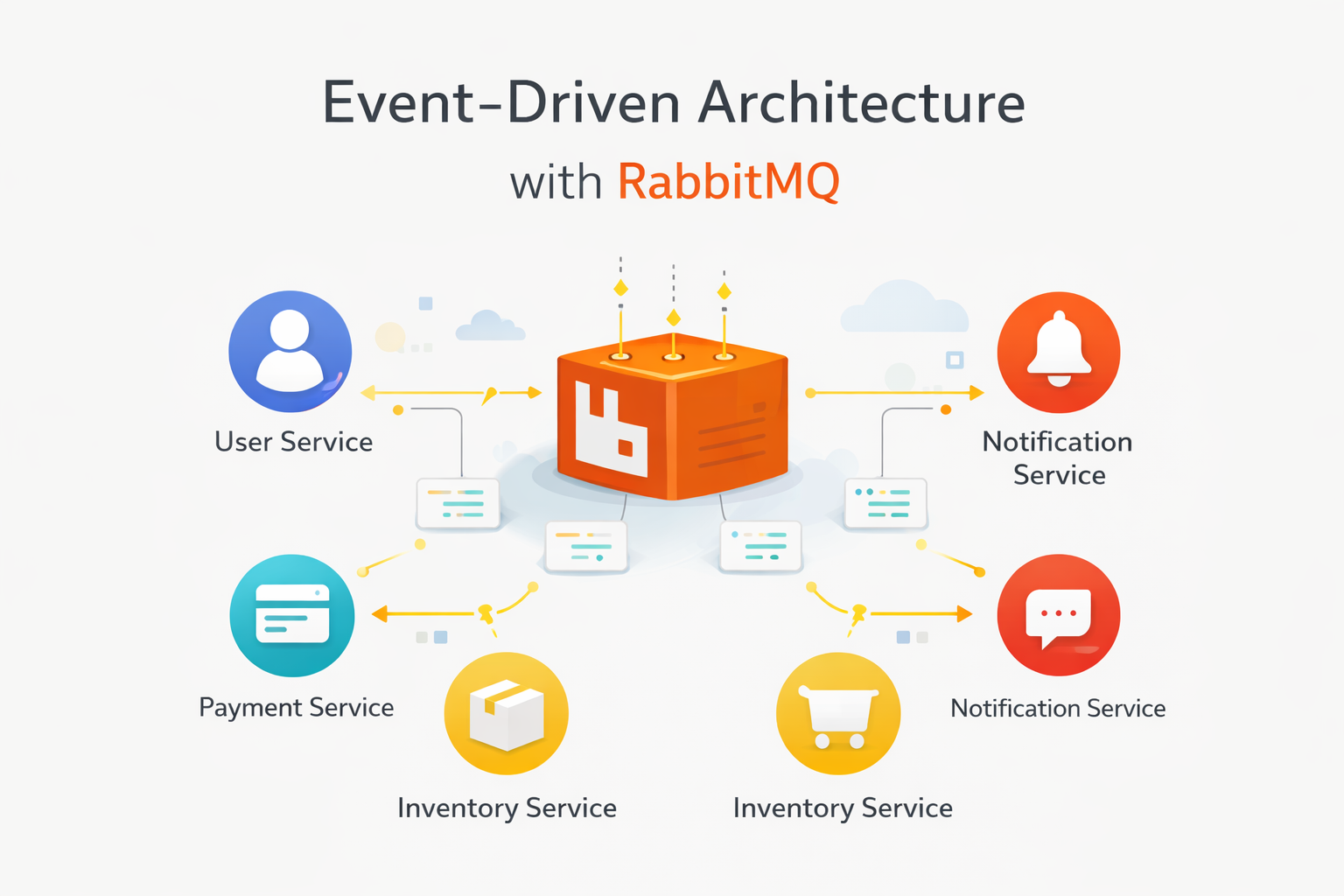
Event-Driven Architecture with RabbitMQ in .NET Microservices
RabbitMQMicroservices.NETMassTransit
In a monolithic application, when a user places an order, everything happens in sequence: validate the order, charge the payment, send a confirmation email, update the inventory. If the email service is slow, the entire request is slow. RabbitMQ breaks this chain by enabling asynchronous, event-driven communication between services.
The Problem with Synchronous Communication
Consider this typical flow in a monolith or tightly-coupled system:
// Synchronous — everything blockspublic async Task<Guid> PlaceOrder(PlaceOrderCommand command){ var order = await _orderService.Create(command); await _paymentService.Charge(order); // 500ms await _emailService.SendConfirmation(order); // 300ms await _inventoryService.Reserve(order); // 200ms return order.Id; // Total: ~1000ms, and if email fails, the whole thing fails}
Problems:
Slow — the user waits for all steps to complete
Fragile — if any downstream service fails, the order fails
Coupled — the order service knows about payments, emails, and inventory
Event-Driven with RabbitMQ
With RabbitMQ, the order service publishes an event and moves on. Other services react independently:
// The order service publishes and returns immediatelypublic async Task<Guid> PlaceOrder(PlaceOrderCommand command){ var order = await _orderService.Create(command); await _messageBus.PublishAsync(new OrderPlacedEvent { OrderId = order.Id, CustomerId = order.CustomerId, Items = order.Items, TotalAmount = order.TotalAmount }); return order.Id; // Total: ~50ms — user gets instant response}
Payment, email, and inventory services each subscribe to this event and process it at their own pace.
Setting Up RabbitMQ in .NET
I use MassTransit as an abstraction over RabbitMQ. It handles serialization, retry policies, and error queues out of the box:
Each service that cares about order events creates a consumer:
// Payment Service — consumes OrderPlacedEventpublic class OrderPlacedConsumer : IConsumer<OrderPlacedEvent>{ private readonly IPaymentGateway _gateway; private readonly ILogger<OrderPlacedConsumer> _logger; public OrderPlacedConsumer( IPaymentGateway gateway, ILogger<OrderPlacedConsumer> logger) { _gateway = gateway; _logger = logger; } public async Task Consume(ConsumeContext<OrderPlacedEvent> context) { var message = context.Message; _logger.LogInformation( "Processing payment for order {OrderId}", message.OrderId); var result = await _gateway.ChargeAsync( message.CustomerId, message.TotalAmount); if (result.Success) { await context.Publish(new PaymentCompletedEvent { OrderId = message.OrderId, TransactionId = result.TransactionId }); } else { await context.Publish(new PaymentFailedEvent { OrderId = message.OrderId, Reason = result.ErrorMessage }); } }}
Notice how the payment service also publishes events. The email service can listen for PaymentCompletedEvent to send a receipt, and the order service can listen for PaymentFailedEvent to cancel the order. Each service only knows about the events it cares about.
Handling Failures with Retry and Dead Letter Queues
Messages will fail sometimes — the payment gateway might be down, the database might be temporarily unavailable. MassTransit makes retry configuration simple:
The management UI at localhost:15672 lets you see queues, message rates, and consumer status — invaluable for debugging.
Key Takeaways
Publish events, not commands. Events describe what happened (OrderPlaced), not what should happen (ChargePayment). This keeps services decoupled.
Design for idempotency. Messages can be delivered more than once. Your consumers should handle duplicates gracefully.
Monitor your queues. A growing queue means consumers can't keep up. Set up alerts before it becomes a problem.
Start simple. You don't need a full event sourcing system. Even adding RabbitMQ to decouple just one slow operation (like email sending) is a huge win.
Event-driven architecture with RabbitMQ transformed how I build microservices. The initial setup takes a few hours, but the flexibility and resilience it provides are worth every minute.