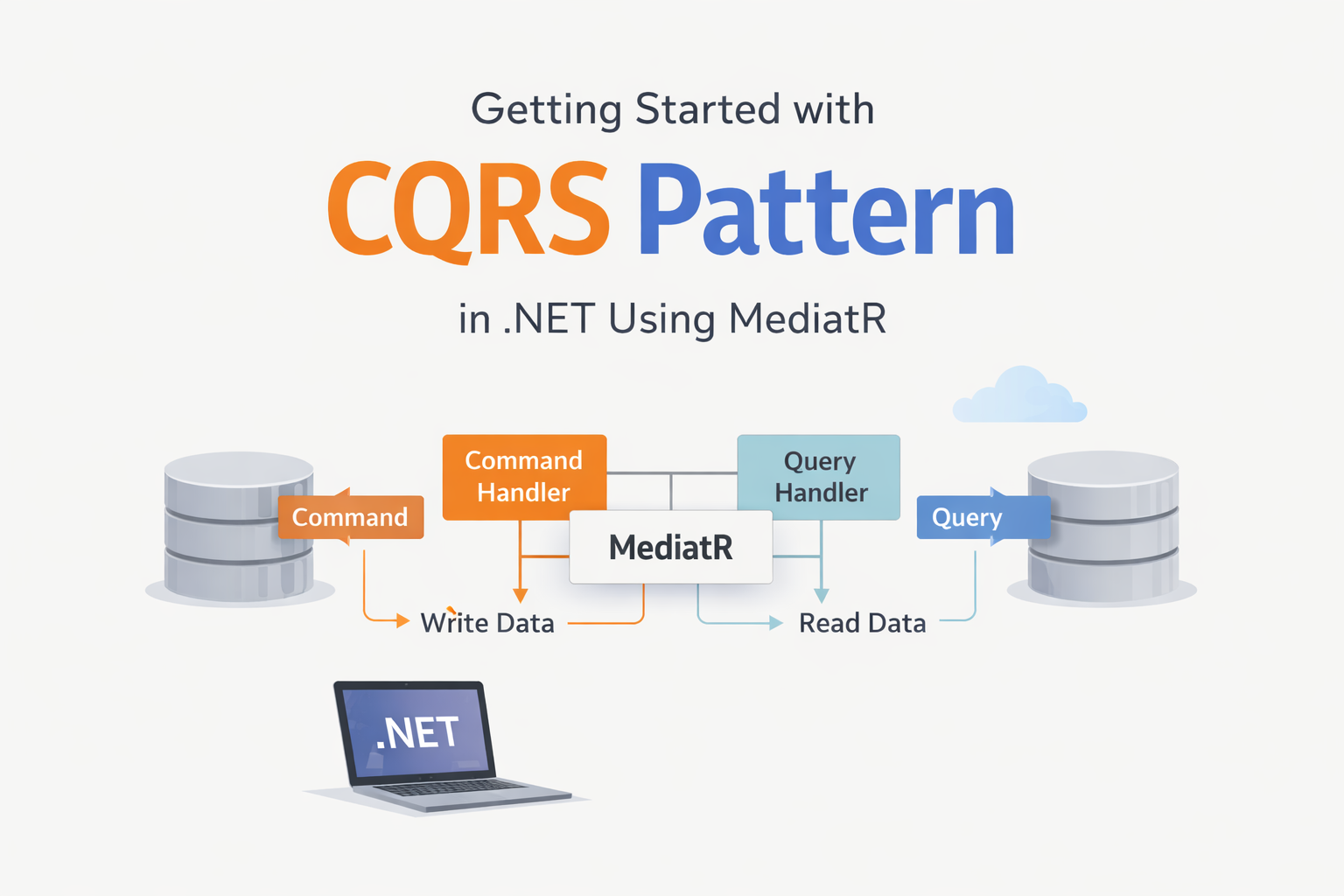
Getting Started with CQRS Pattern in .NET Using MediatR
.NETCQRSMediatRArchitecture
CQRS — Command Query Responsibility Segregation — sounds intimidating, but the core idea is simple: separate the code that reads data from the code that writes data. Once I started using it, I never went back to mixing both in a single service class.
Why Separate Reads and Writes?
In a traditional service, a single class handles everything:
// Traditional approach — one service does it allpublic class OrderService{ public OrderDto GetById(Guid id) { /* read logic */ } public List<OrderDto> GetFiltered(OrderFilter filter) { /* read logic */ } public void CreateOrder(CreateOrderDto dto) { /* write logic */ } public void CancelOrder(Guid id) { /* write logic */ } public void UpdateShipping(Guid id, ShippingDto dto) { /* write logic */ }}
This seems fine until:
Read models need different shapes than write models (list view vs. detail view vs. admin view)
Write operations have complex validation that pollutes the read path
You want to scale reads and writes independently
The service class grows to 500+ lines and becomes hard to maintain
The CQRS Solution
Split everything into Commands (writes) and Queries (reads), each handled by a dedicated handler.
// Command — represents an intent to change statepublic record CreateOrderCommand( Guid CustomerId, List<OrderItemDto> Items, string ShippingAddress) : IRequest<Guid>;// Command Handler — contains write logicpublic class CreateOrderCommandHandler : IRequestHandler<CreateOrderCommand, Guid>{ private readonly IOrderRepository _repository; private readonly IUnitOfWork _unitOfWork; public CreateOrderCommandHandler( IOrderRepository repository, IUnitOfWork unitOfWork) { _repository = repository; _unitOfWork = unitOfWork; } public async Task<Guid> Handle( CreateOrderCommand request, CancellationToken ct) { var order = Order.Create( request.CustomerId, request.Items, request.ShippingAddress); _repository.Add(order); await _unitOfWork.SaveChangesAsync(ct); return order.Id; }}
// Query — represents a request for datapublic record GetOrderByIdQuery(Guid OrderId) : IRequest<OrderDetailDto>;// Query Handler — contains read logicpublic class GetOrderByIdQueryHandler : IRequestHandler<GetOrderByIdQuery, OrderDetailDto>{ private readonly IOrderReadRepository _readRepository; public GetOrderByIdQueryHandler( IOrderReadRepository readRepository) { _readRepository = readRepository; } public async Task<OrderDetailDto> Handle( GetOrderByIdQuery request, CancellationToken ct) { return await _readRepository .GetDetailByIdAsync(request.OrderId, ct) ?? throw new NotFoundException("Order", request.OrderId); }}
Setting Up MediatR
MediatR is the glue that routes commands and queries to their handlers. Setup is minimal:
[ApiController][Route("api/orders")]public class OrdersController : ControllerBase{ private readonly ISender _sender; public OrdersController(ISender sender) => _sender = sender; [HttpPost] public async Task<IActionResult> Create(CreateOrderCommand command) { var id = await _sender.Send(command); return CreatedAtAction(nameof(GetById), new { id }, null); } [HttpGet("{id:guid}")] public async Task<IActionResult> GetById(Guid id) { var order = await _sender.Send(new GetOrderByIdQuery(id)); return Ok(order); }}
The controller is thin — it just dispatches. All business logic lives in handlers.
Adding Validation with Pipeline Behaviors
One of the best features of MediatR is pipeline behaviors. You can add cross-cutting concerns without touching any handler:
public class ValidationBehavior<TRequest, TResponse> : IPipelineBehavior<TRequest, TResponse> where TRequest : IRequest<TResponse>{ private readonly IEnumerable<IValidator<TRequest>> _validators; public ValidationBehavior( IEnumerable<IValidator<TRequest>> validators) { _validators = validators; } public async Task<TResponse> Handle( TRequest request, RequestHandlerDelegate<TResponse> next, CancellationToken ct) { var context = new ValidationContext<TRequest>(request); var failures = _validators .Select(v => v.Validate(context)) .SelectMany(r => r.Errors) .Where(f => f is not null) .ToList(); if (failures.Count > 0) throw new ValidationException(failures); return await next(); }}
Every command automatically gets validated before reaching its handler. No manual validation calls needed.
When to Use CQRS
CQRS adds some boilerplate — every operation needs a request class and a handler. It's worth it when:
Your domain has complex write logic that benefits from isolation
Read models differ significantly from write models
You want clean, testable code — each handler has a single responsibility
Your team is growing — new developers can work on individual handlers without conflicts
For simple CRUD applications with no business logic, CQRS might be overkill. But for anything with real domain complexity, it pays for itself quickly.
Conclusion
CQRS with MediatR has become a standard part of my .NET toolkit. The separation it enforces leads to smaller, focused classes that are easier to test, easier to understand, and easier to modify. Combined with Clean Architecture, it creates a codebase that scales with your team and your requirements.